
01
Use the ready ticket
A stable weekly prompt appears immediately, so you can copy it or start the timer without clicking Generate.
Drawing prompt generator
Use this animal drawing prompt generator to get a random species, pose, viewpoint, focus, and timer—not an empty result. Keep the whole sketch ticket or reroll just one field.
Your weekly ticket is already usable. Generate only when you want a fresh assignment.
Prompt ticket · ready now
Stable for this week
Draw a atlantic puffin moving in its natural rhythm, low-angle view. Spend 5 minutes on the silhouette. Draw the pose in one continuous line.
A weekly sketch ticket is ready.
From blank page to first mark
01
A stable weekly prompt appears immediately, so you can copy it or start the timer without clicking Generate.
02
Keep the animal you like and reroll the pose—or keep the whole setup and swap only the animal.
03
Follow the timer and rule. A smaller assignment makes daily practice easier to start and finish.
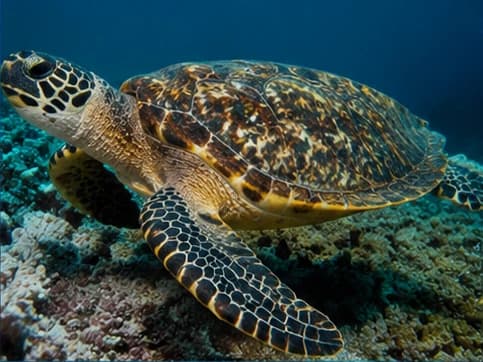
Build gesture and silhouette without overthinking details.
Observe proportion, form, texture, and value with a focused task.
Turn a recognizable real animal into a character with one story clue.
Give every student the same clear subject, timer, and drawing rule.
Complete prompts, not keyword fragments
Each example is a usable assignment with a subject, action, viewpoint, skill focus, and constraint. Your generated ticket follows the same structure.
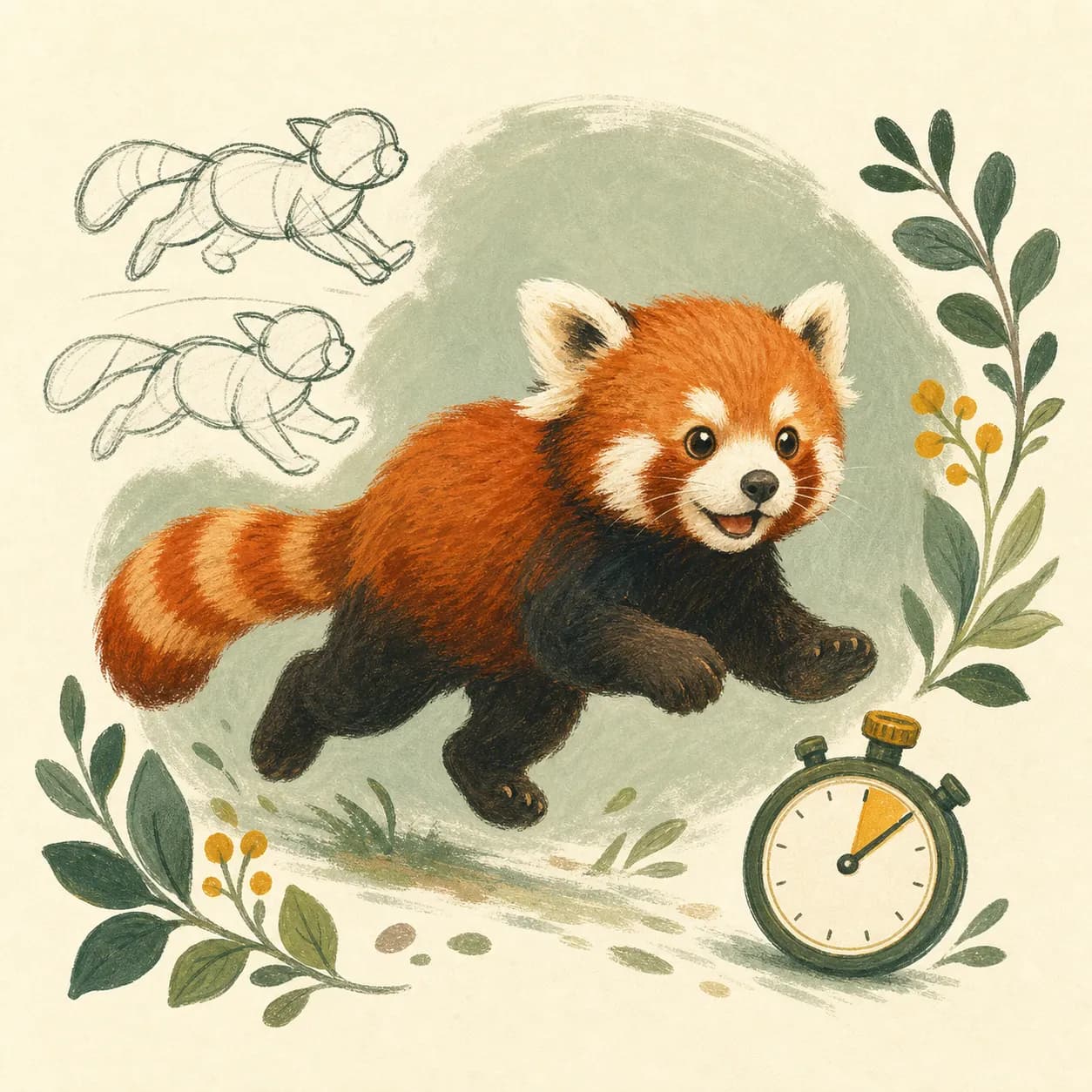
Quick Sketch · 5 min
Draw a red panda changing direction mid-movement, side profile. Focus on the gesture line. Use no more than twelve lines.
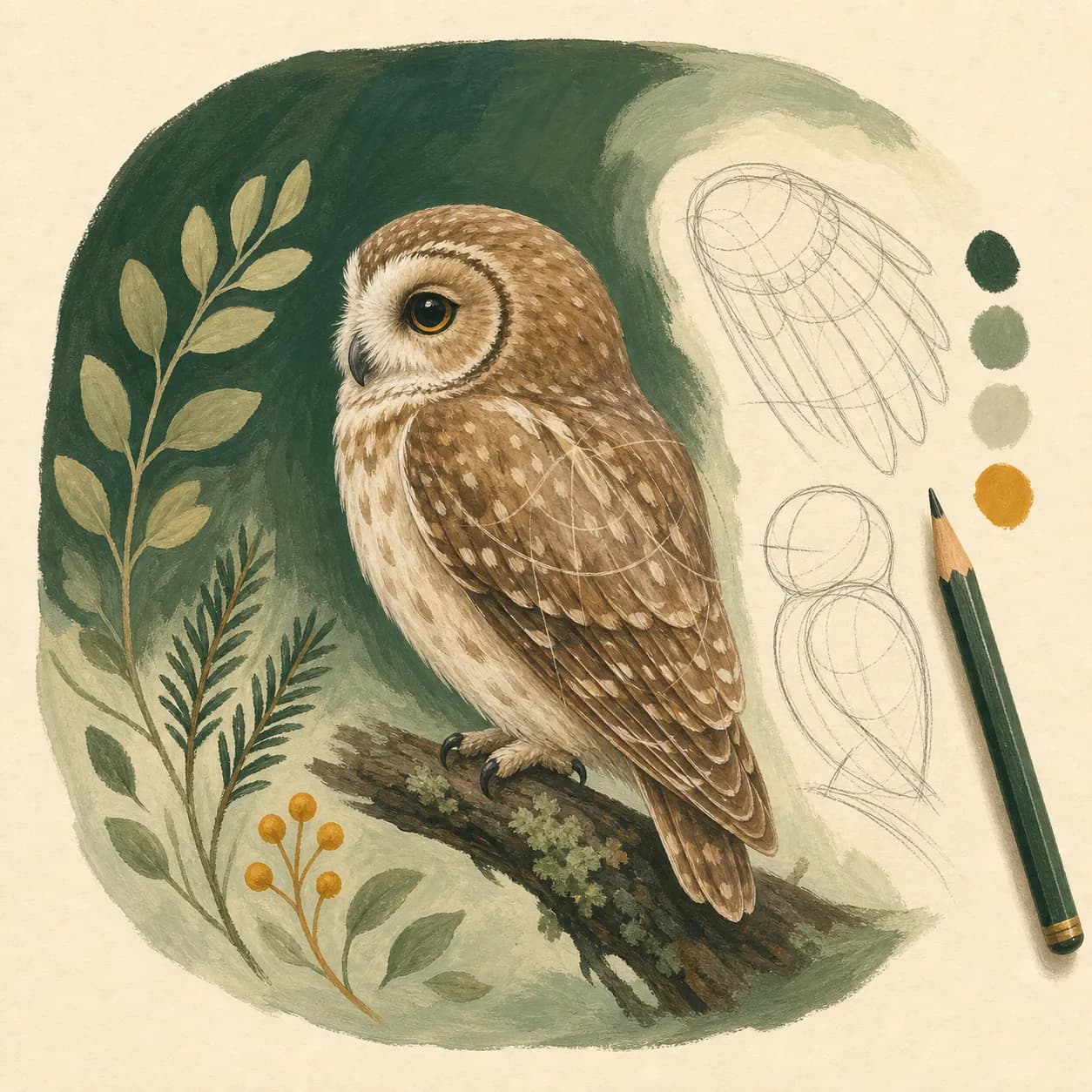
Study Mode · 20 min
Draw an owl standing in a neutral pose, 3/4 view. Study simple body proportions. Build the animal from simple forms first.
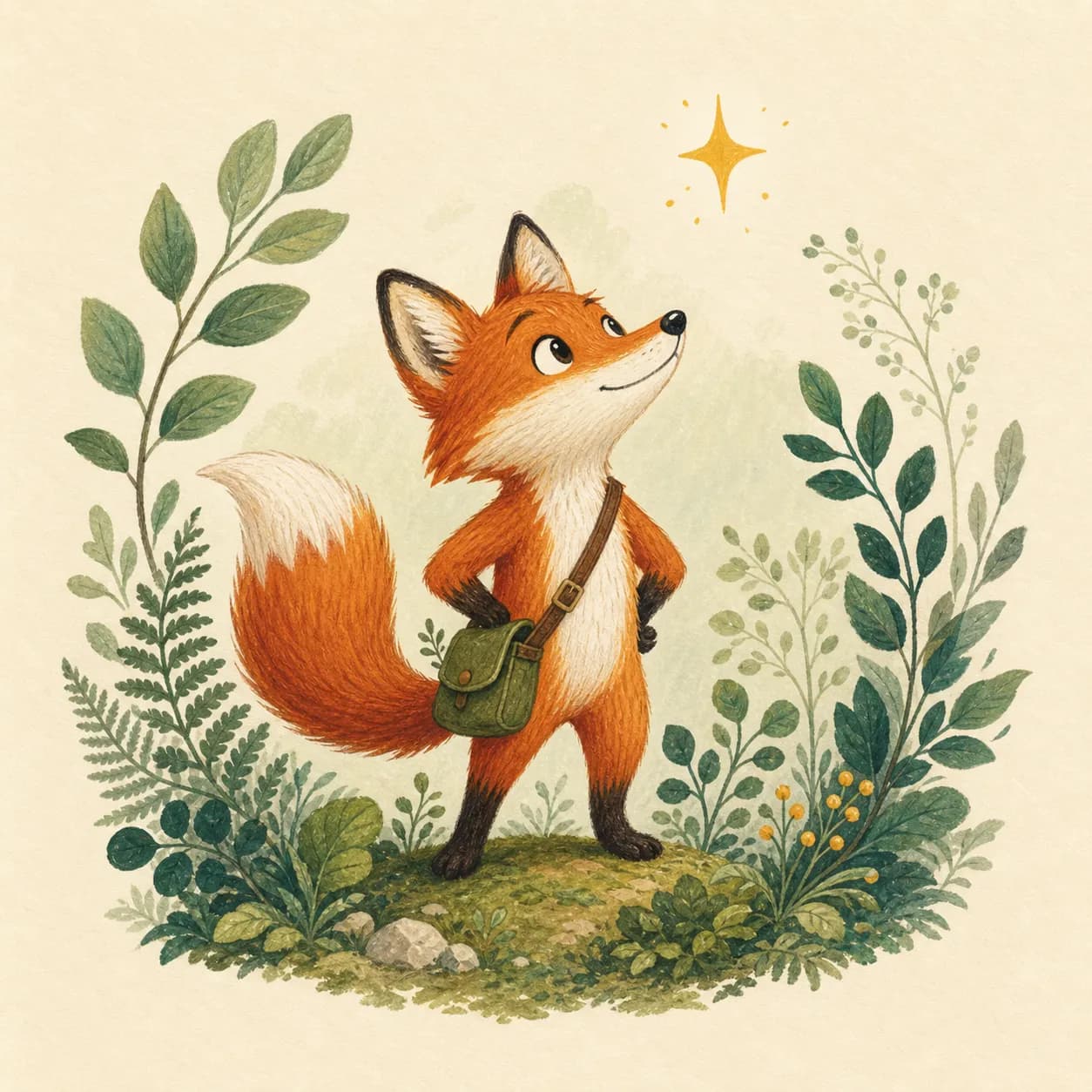
Character Mode · 10 min
Draw a fox as a tiny field explorer, low-angle view. Focus on a readable personality silhouette. Keep one recognizable trait from the real animal.
Classroom Mode · 10 min
Draw a cow searching for food, side profile. Show pattern and texture. Add three habitat clues.
Choose your next practice path
Use the random animal generator when you want broad species discovery.
For fins, tentacles, and flowing silhouettes, choose Random Ocean Animals for Drawing.
For familiar forms that work well in class, open the farm animal generator.
For feathers, flight poses, and backyard or wild birds, try Random Birds for Drawing.
For freshwater and saltwater fish shapes, open the fish generator.
For legendary beasts already found in world folklore, open the Mythical Creature Generator.
When you want to invent a hybrid creature part by part, move to the Tuimiz creature prompt generator.
When a subject sparks curiosity, continue with animal facts by species.
This page keeps one real animal at the center of a practical sketch. Copy the final prompt beside your dated sketch to build a visible practice record.
It combines a real animal with a pose, viewpoint, time limit, focus, and rule, so you can start a specific sketch without planning the assignment first.
Yes. Use the reroll button beside Animal, Pose, View, Focus, or Rule. The other parts of your prompt stay unchanged, and you can undo the last change.
Yes. Choose Quick Sketch, set a one- or five-minute timer, and use the optional animal filters to narrow the subject pool.
Yes. It is free to use and does not require an account.
Yes. Classroom Mode creates one clear shared task with a time limit and simple rule for warm-ups, discussion, or a group art challenge.
Yes. Character Mode keeps a real animal as the visual foundation, then adds a personality, prop, or story-focused constraint.